Recipe Discovery
Search thousands of recipes other Cooklang users actually cook, and drop the .cook file straight into your collection.
You will use: recipes.cooklang.org, any Cooklang app
The Cooklang Federation is a search engine over recipe collections that people host themselves, on GitHub or their own sites. Nobody uploads anything to it; a crawler reads each registered collection and indexes the .cook files it finds. At the time of writing that is about 5,000 recipes from roughly 80 collections, in ten languages. Every result is a real file from somebody's kitchen, not a page written for search engines.
1. Search
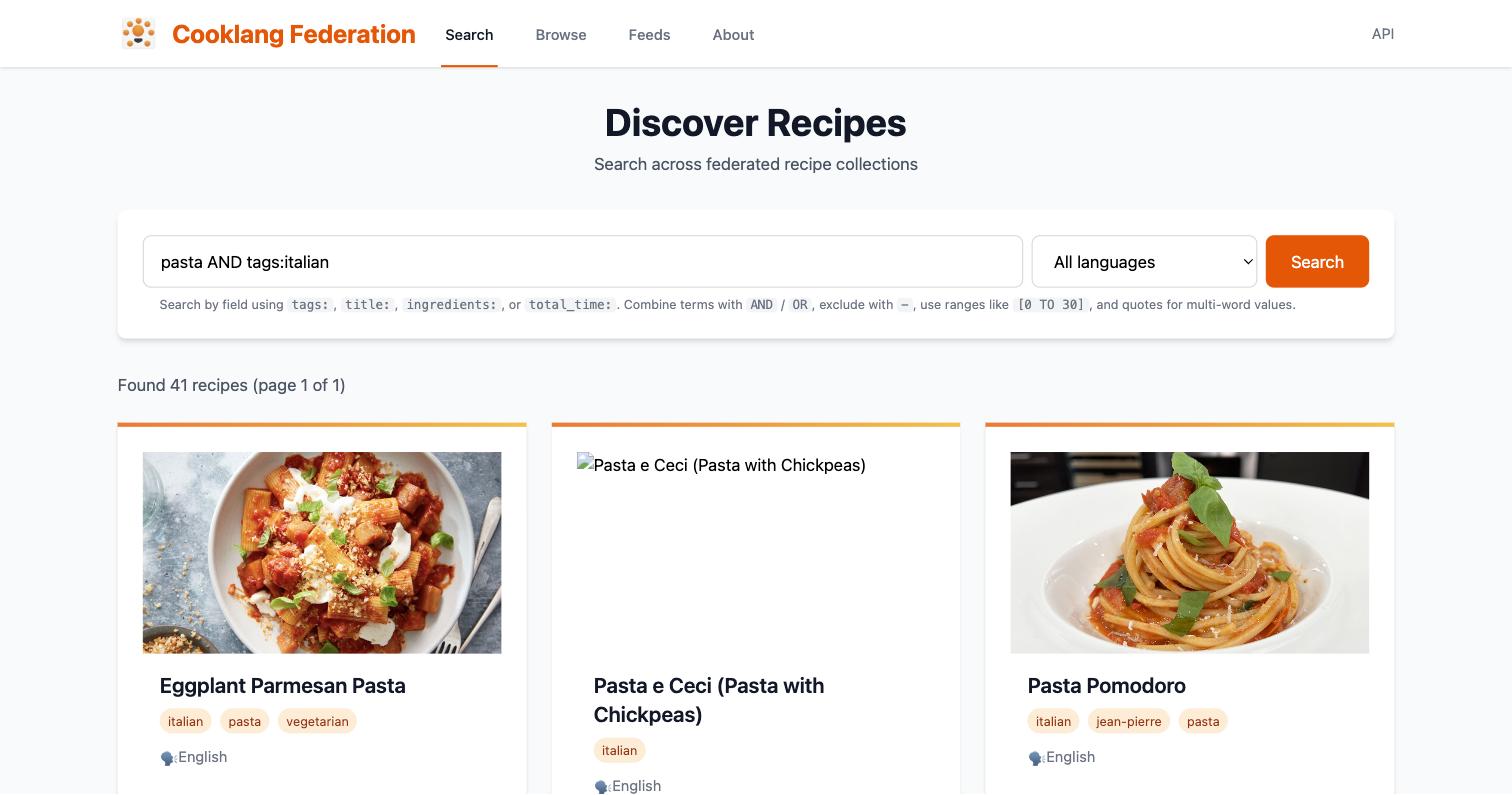
Open recipes.cooklang.org and type what you are after. Plain words search everything: titles, ingredients, instructions and tags.
The dropdown next to the search box filters by language, which matters if you cook in more than one.
Narrow it down with fields
Prefix a term with a field name to search only that field:
| Query | Finds |
|---|---|
tags:breakfast | Recipes tagged breakfast |
ingredients:tomato | Recipes whose ingredients include tomato |
title:"chocolate chip cookies" | An exact multi-word title (use quotes) |
difficulty:easy | Recipes whose author rated them easy |
total_time:[0 TO 30] | Ready in 30 minutes or less |
servings:[4 TO 8] | Serves four to eight |
Combine with AND and OR, and exclude with a leading -:
Fields come from each recipe's front matter, and not every author fills in tags, difficulty or times. If a field search returns little, fall back to plain keywords, which match the recipe text itself.
Or just browse
The Browse page lists recipes by tag, and Feeds lists every collection with a link to its recipes. Reading through one person's collection is often the best way to find your next favourite.
2. Take a recipe home
Open a result and you get the rendered recipe plus the original .cook source and a download link. From there:
- Save the file into your recipe folder. In the mobile app or Cook Editor that means the synced folder; with CookCLI, wherever you run
cook server. - Keep the attribution. Downloaded files carry the author's metadata. If you edit the recipe, leave
sourceandauthorin place; if you republish it, that is what tells readers where it came from. - Make it yours. Rename ingredients to match your
aisle.conf, setservingsif it is missing, and adjust anything you would do differently. It is a text file; there is nothing to unlock.
Once it is in the folder it is a full member of your collection: it scales, it goes into .menu plans, and it lands on shopping lists like anything you wrote yourself.
3. Use the API
Everything on the site is available as JSON at the same URLs, which makes it easy to build a "what should I cook" script or feed results into another tool:
The endpoints are documented in the federation README. Requests are rate-limited, so cache what you fetch.
Give something back
If you keep your recipes on GitHub or on a website, registering them takes one pull request. See Publishing Your Recipes.
See also
- Publishing Your Recipes: add your collection to the index
- Meal Planning: put the new recipe on next week's plan
- Federation source code: run your own index