Write with confidence
Cooklang syntax highlighting, inline validation, and autocomplete for ingredients and cookware as you type.

A plain-text recipe workspace for your desktop — write, preview, and plan meals from your .cook files, with an optional AI assistant.
Free and open source. Available for macOS, Windows, and Linux.
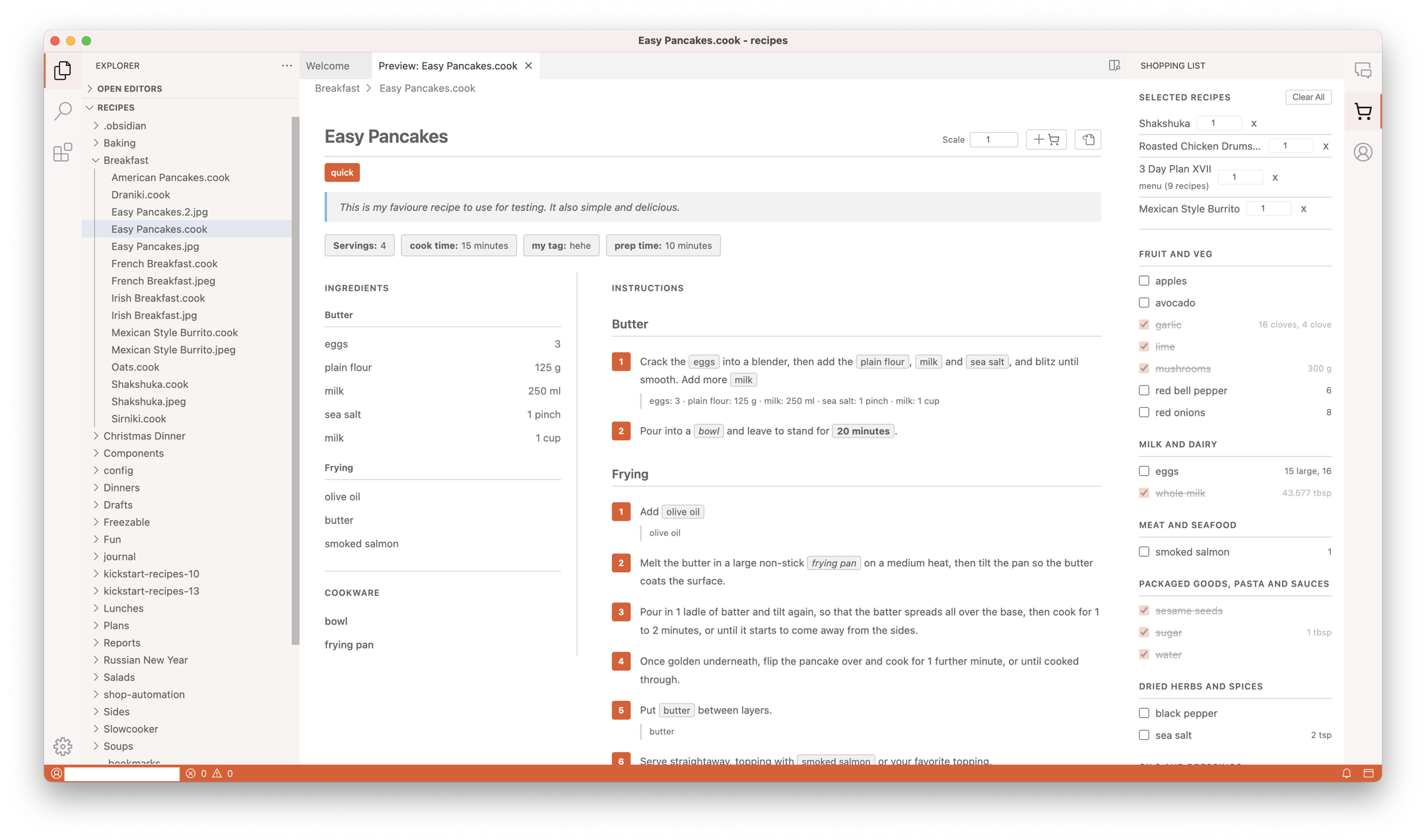
Built on a familiar VS Code-style editor, tuned for Cooklang
Cooklang syntax highlighting, inline validation, and autocomplete for ingredients and cookware as you type.
See a formatted recipe alongside your text, with one-click scaling and tappable ingredient chips.
Combine ingredients across multiple recipes into a single shopping list, grouped by store department.
Plan whole weeks with .menu files and compile their shopping lists in one step.
A built-in AI sidebar that works directly on your recipe files — and always asks for your approval before it changes anything.
CookBot is the AI in Cook Editor and is part of Cook Pro — €12.99/month with a 7-day free trial, cancel anytime. Cook Editor itself is free and open source; everything above is part of Cook Pro. Plans and the trial live on Cook Editor at cook.md.
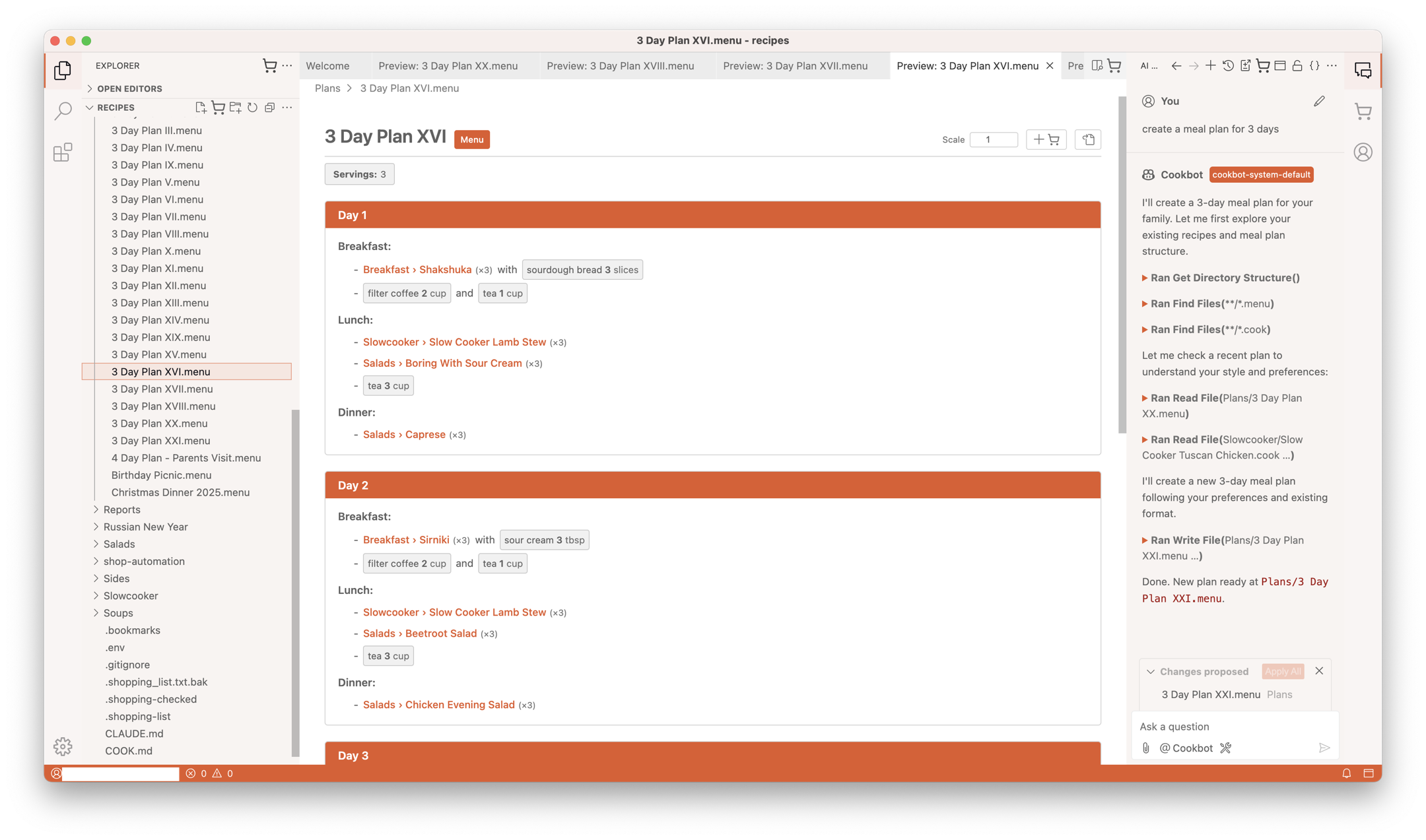
Turn a .menu meal plan or a single recipe into a nutrition report: calories, protein, carbs, sugars and fat for the whole plan, per person per day, and per ingredient.
Nutrition lookups use Cook's nutrition database, included with Cook Basic and Cook Pro.
Make your first report
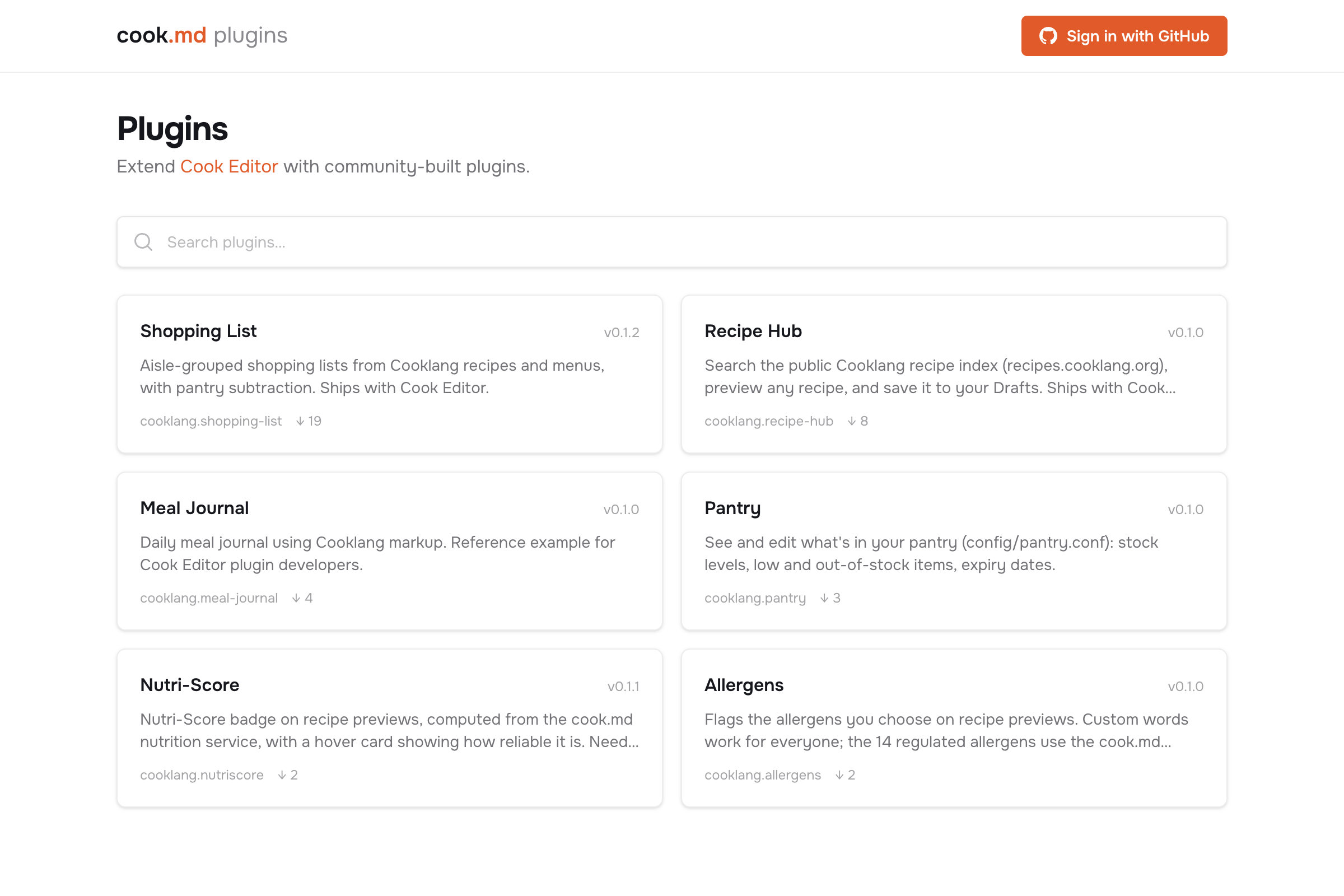
Plugins add panels, buttons in the recipe preview, commands, even new file types. Cook Editor runs the same kind of extensions as VS Code, plus a small Cooklang API, so a plugin works with your recipes the way the built-in features do.
Cook Editor works with the iOS and Android apps through a folder you already sync, or through Cook Cloud (Cook Basic), so the recipes you write at your desk are in your pocket at the shop.
Pre-built downloads for macOS (Apple silicon & Intel), Windows, and Linux (deb, rpm, AppImage).
New features and recipes, about once a month.