Start a local web server to browse and view your recipe collection.
| Argument | Description |
|---|
[BASE_PATH] | Root directory containing recipe files (default: current directory) |
| Option | Description |
|---|
--host [<ADDRESS>] | Allow connections from external hosts (default: localhost only). Optionally bind to a specific address. |
-p, --port <PORT> | Port number (default: 9080) |
--open | Automatically open the web interface in your default browser |
--cors-origin <ORIGIN> | Origin allowed to make cross-origin browser requests. Repeatable. * for any origin (default). |
--cors-allow-credentials | Allow cross-origin requests to carry cookies and credentials. Requires an explicit --cors-origin. |
--no-csrf-check | Disable same-origin enforcement on requests that modify recipes. |
- By default, only accepts connections from localhost
- Use
--host on trusted networks only — recipes become accessible to anyone on the network - Cross-origin browser requests can read (
GET) from any origin by default, but one that would modify recipes is refused with 403. Naming origins with --cors-origin lets those origins write too, so a page you have not listed cannot change your recipes. Requests with no Origin header — curl, scripts, anything that is not a browser — are unaffected. See the API reference. - Behind a reverse proxy that rewrites
Host, pass --cors-origin with the public origin (for example --cors-origin https://cook.example.com). The same-origin check reads the real Host header and ignores X-Forwarded-Host, which any client can set freely. --no-csrf-check turns that same-origin enforcement off entirely, for both the API and the web UI's new-recipe form. Its former spelling, --no-cors, still works.- The web interface supports recipe browsing, scaling, search, and shopping list management
- The UI language is negotiated per request from the browser's
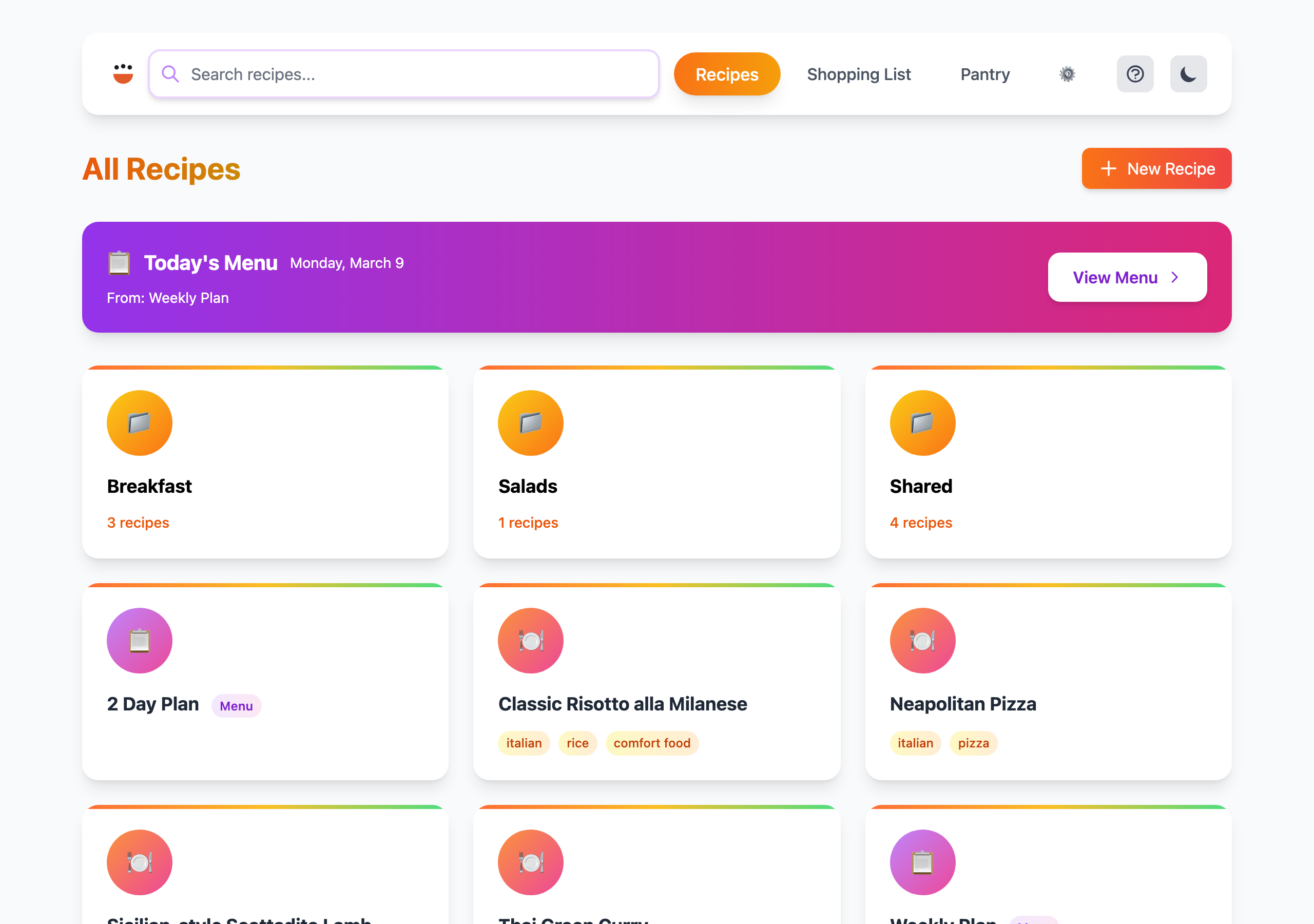
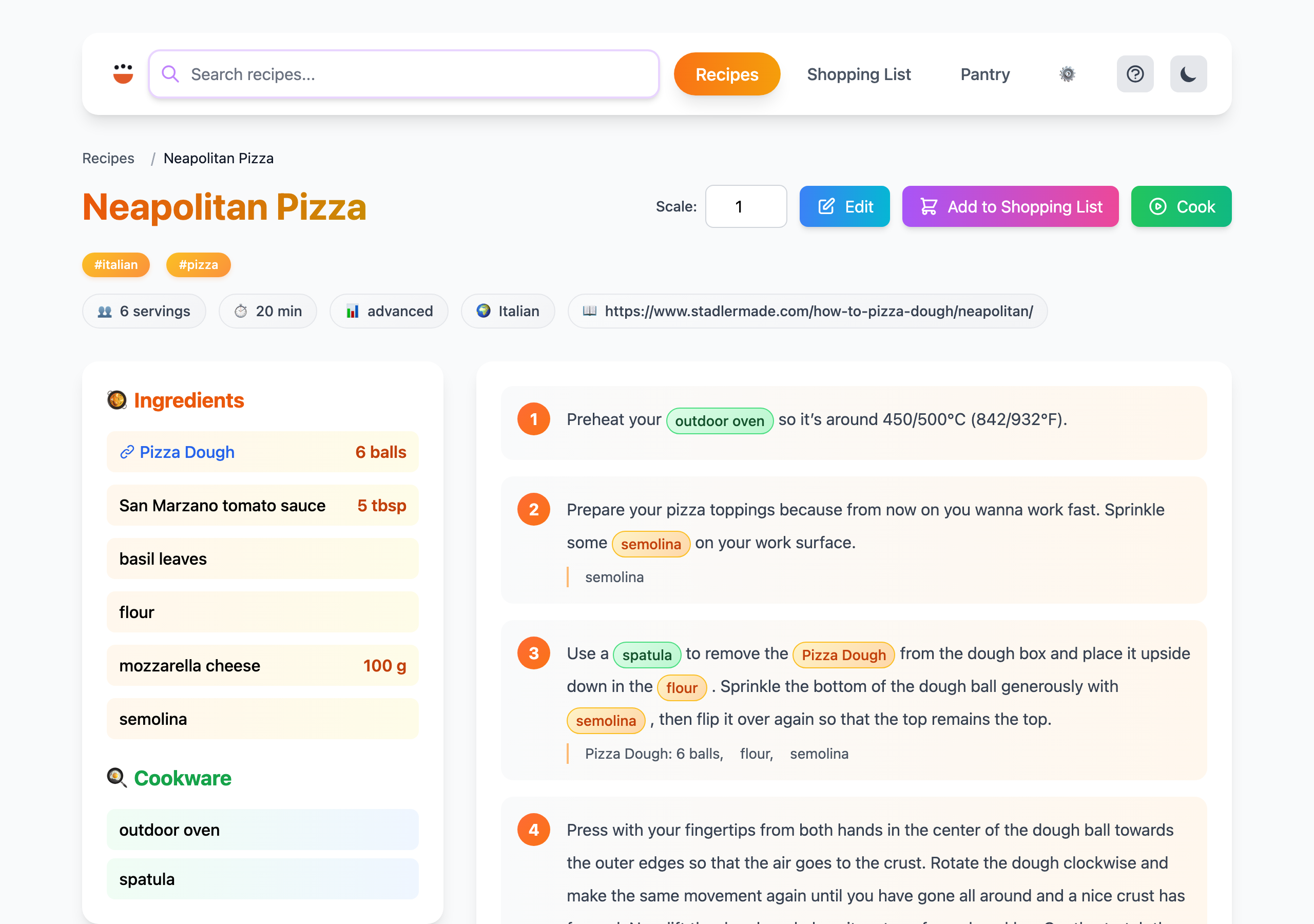
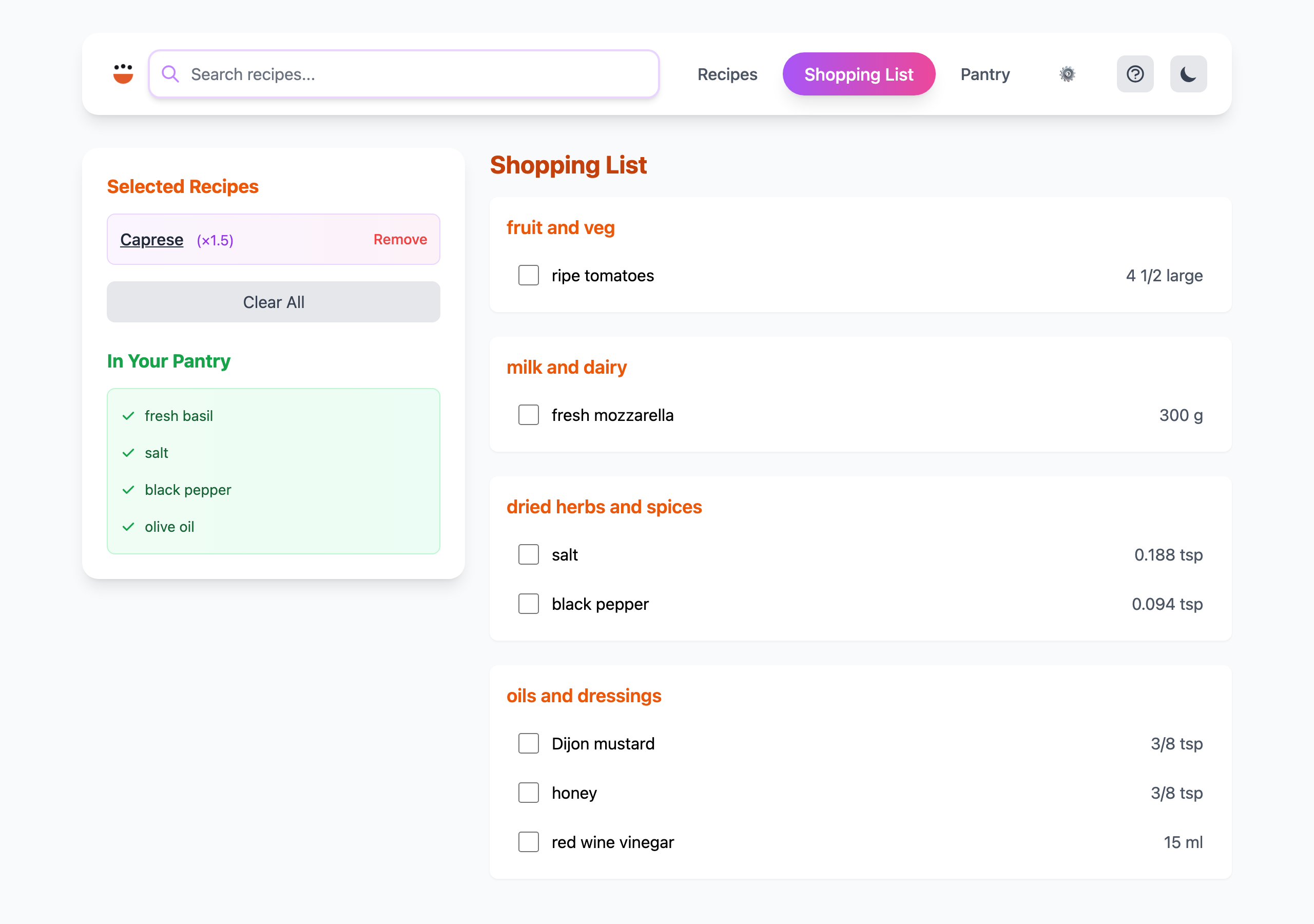
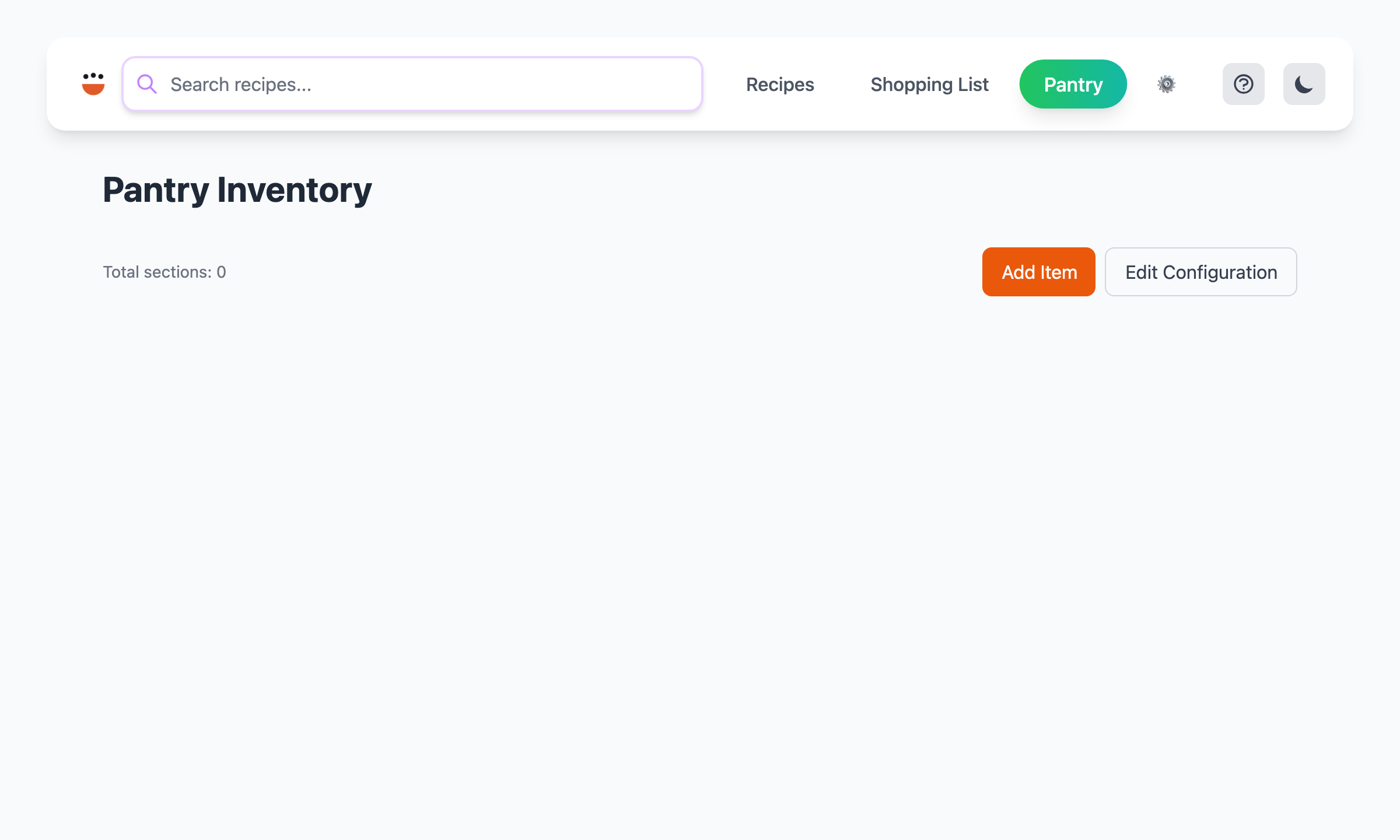
Accept-Language header — each visitor sees the interface in their own language (supported: en-US, de-DE, nl-NL, fr-FR, es-ES, eu-ES, sv-SE). For static sites, see the --lang flag of cook build web. - Mobile-friendly responsive layout